See it in action
Super Campos screens
From the visual field editor to the personalization your customer fills in on the product page.
Add custom fields to the product page — text, selection, buttons and an acceptance term. All in a visual drag-and-drop editor, with no code.
Text, selection, marking buttons and an acceptance term
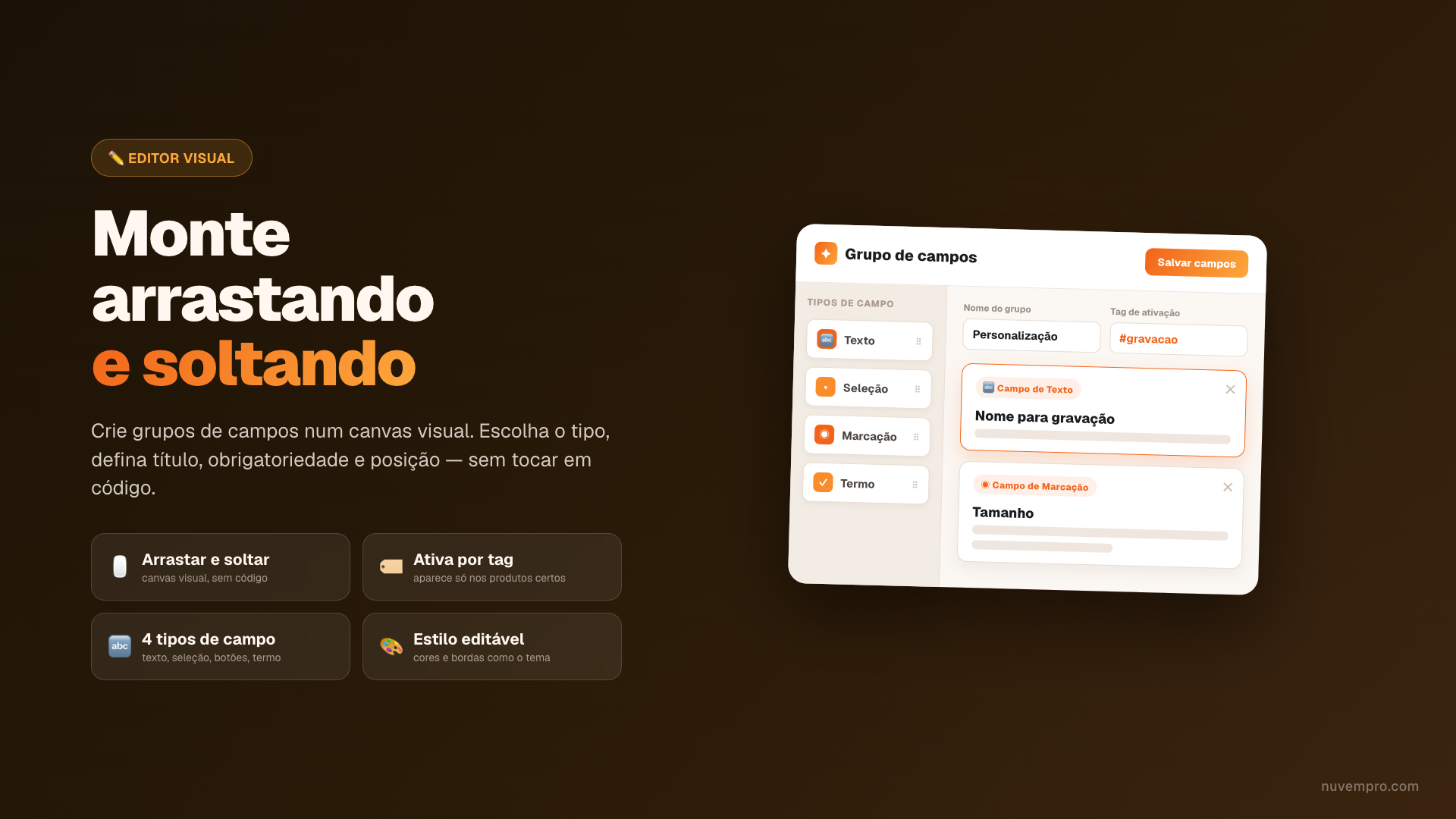
Build the fields by dragging and dropping, no code
Fields appear only on the products you choose
From the visual field editor to the personalization your customer fills in on the product page.
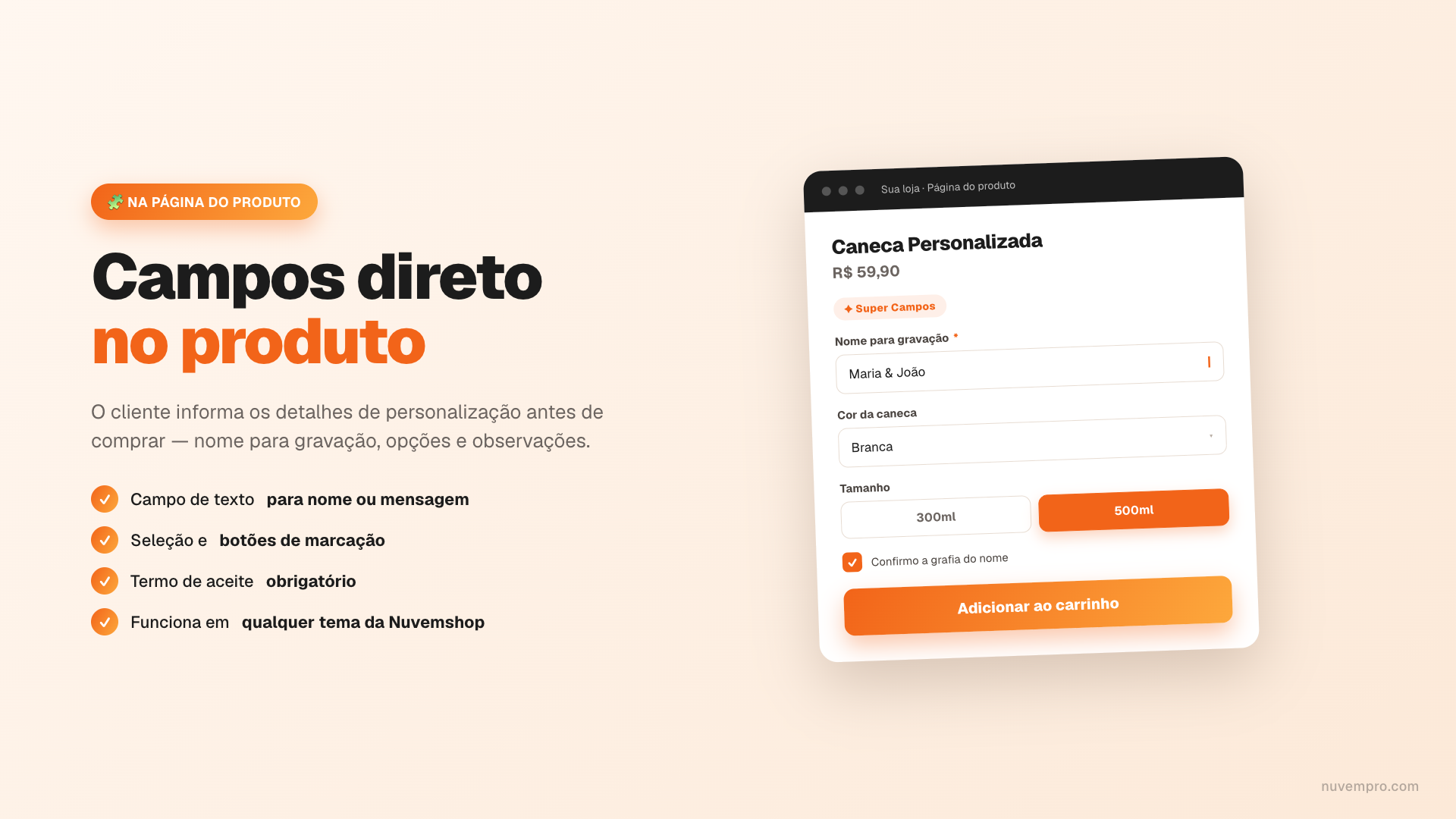
Ask for an engraving name, color and message before purchase — ideal for gifts, mugs and jewelry.
Collect measurements, notes and preferences right on the product page, with no back-and-forth afterward.
Require confirmation of a mandatory term (e.g., "I confirm the spelling of the name") before adding to cart.
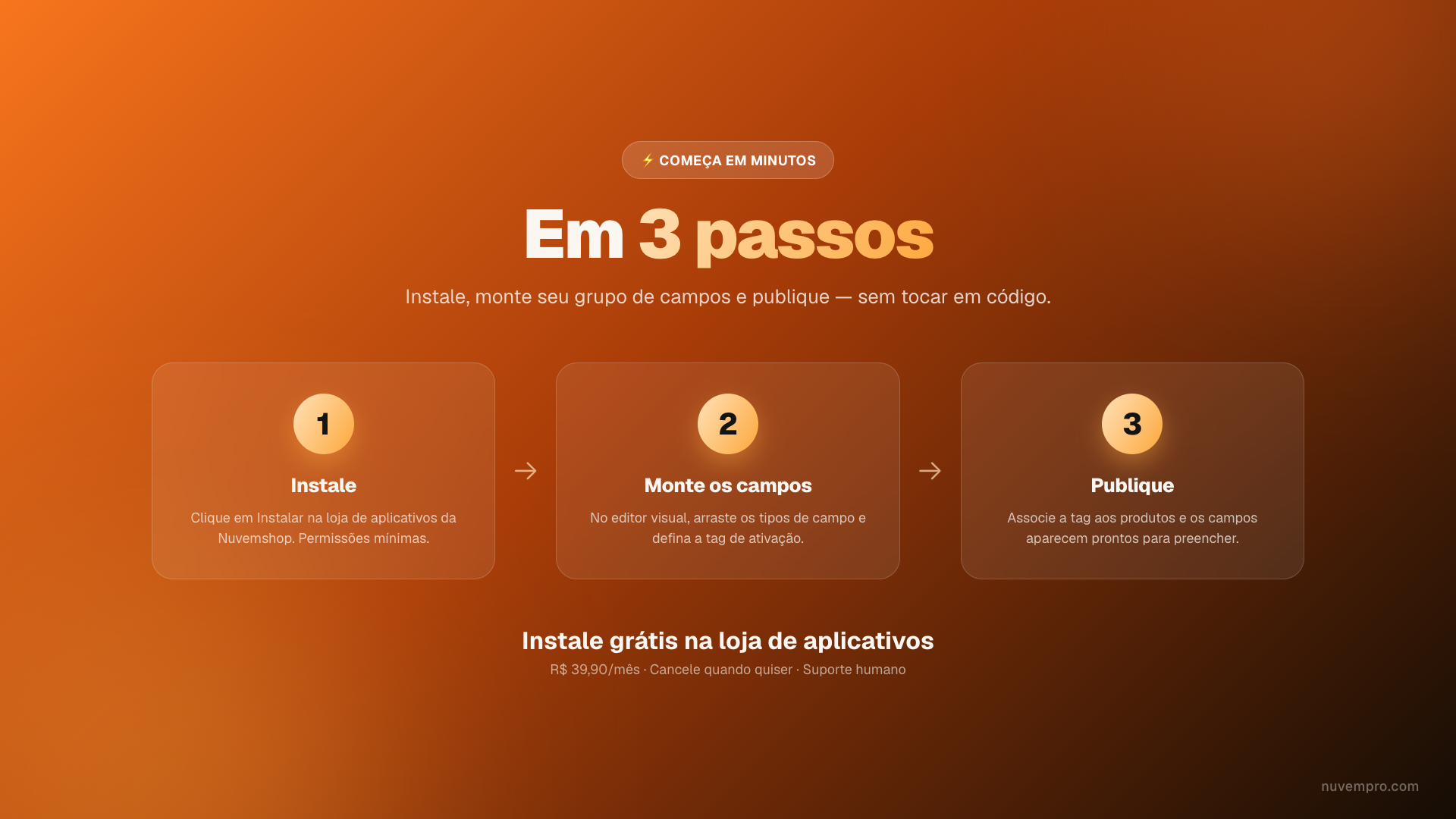
Click install on the Nuvemshop App Store. Minimal permissions.
In the visual editor, drag the field types and set the title, requirement and activation tag.
Attach the tag to your products and the fields appear ready for the customer to fill in.
Create as many field groups as you want, with no code and activated by tag.
No code · tag-activated · no lock-in
Monthly plan at R$ 39,90 or semiannual at R$ 215,00 (≈ R$ 35.83/month). No lock-in — cancel anytime.
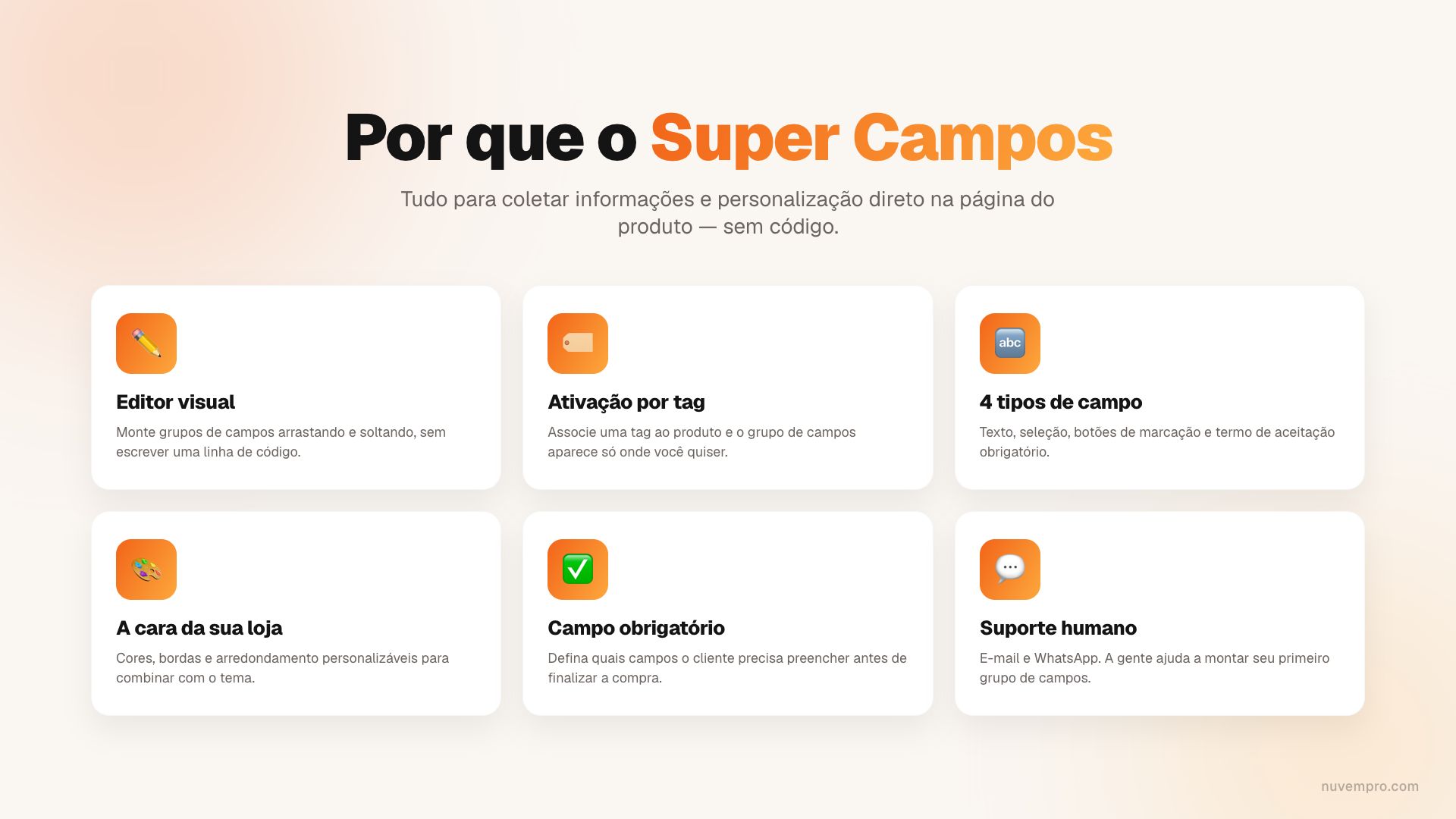
Four types: a text field (for a name or message), selection, marking buttons and a required acceptance term. You build the groups in the visual editor, with no code.
No. Activation is by tag: you attach a tag to a product and the field group appears only on the products you choose.
No. Super Campos works on any Nuvemshop theme, with customizable colors and borders. You build everything in the visual editor and activate in minutes.
A monthly plan at R$ 39,90 or a semiannual plan at R$ 215,00 (≈ R$ 35.83/month), no lock-in — cancel anytime.
Install Super Campos for R$ 39,90/month and start collecting personalizations today.
Install now